DIY Newborn Photos at Home: Lighting, Angles & Simple Setups That Look Pro
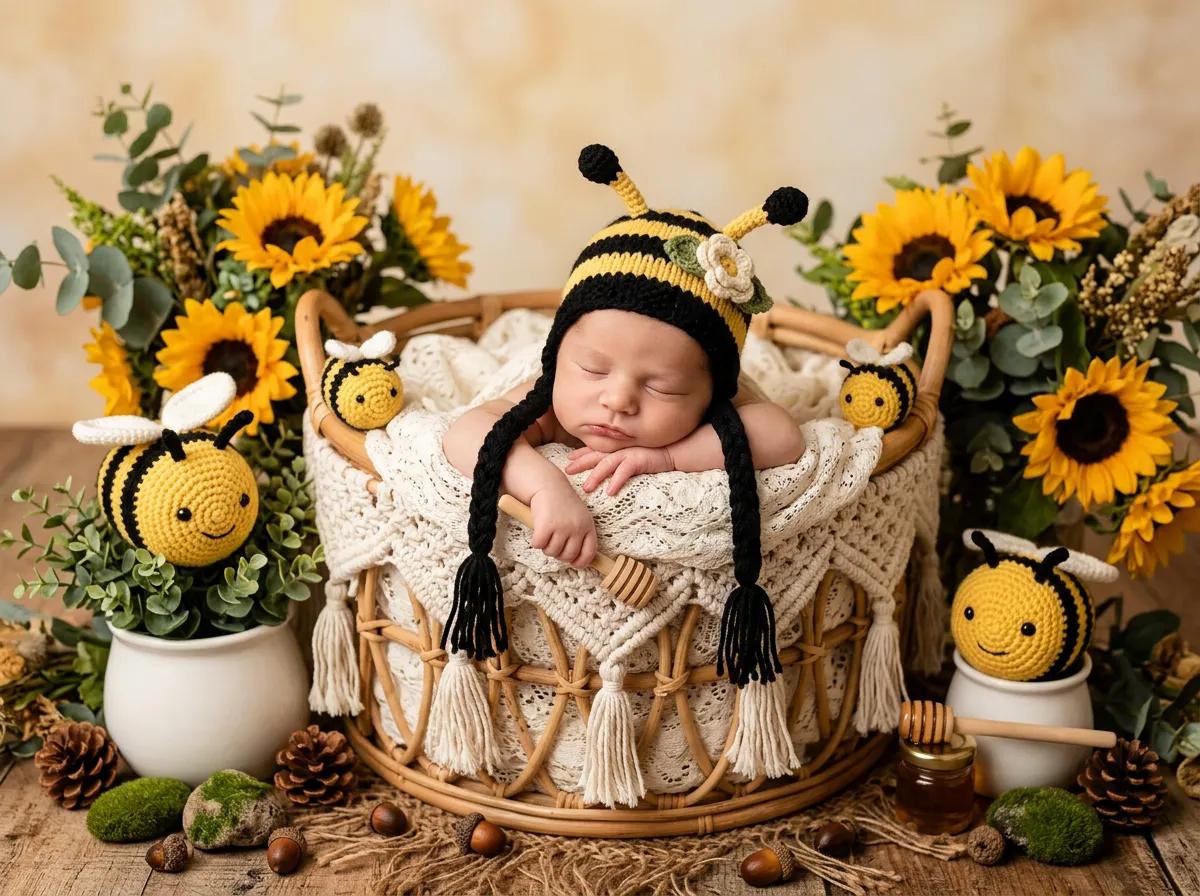
You do not need a studio to capture meaningful DIY newborn photos. Parents worldwide document the first weeks with nothing more than a phone, a window, and a calm twenty minutes between feeds. What separates “snapshot” from “keepsake” is usually light direction, a quiet background, and a safe, simple pose, not expensive gear.
This guide walks through practical steps for home newborn photography, whether you want prints for the wall or strong reference files for AI enhanced baby portraits later.
What to do before you pick up the camera
- Feed and burp the baby so they are comfortable; a fresh diaper reduces mid shoot surprises.
- Warm the room slightly if the baby will be undressed or lightly clothed.
- Clear clutter from the shooting area, you will thank yourself in editing.
- Charge your phone or camera and free storage space so you are not fumbling at the best moment.
If a pose ever feels unsafe, skip it. Supported parent holds and lying on a firm mattress with hands on the baby beat risky prop ideas every time.
Light: windows beat overhead fixtures
Natural window light is the easiest path to soft shadows and natural skin tones. Position the baby so light skims across the face rather than blasting straight on (which can look flat) or from directly below (which rarely flatters anyone).
Tips that help:
- Use a north- or east facing window when possible for gentler sun; if light is harsh, hang a thin sheer curtain or tape a white sheet temporarily.
- Turn off overhead lights and mixed bulbs when you can; they add yellow green color casts that are tedious to fix.
- If the room is dim, move closer to the window rather than cranking digital brightness later, noise shows up fast on phones in low light.
Golden hour can be gorgeous but watch for dappled sun on the face; even shade or indirect light is often easier for beginners.
Camera settings: phones and DSLRs
On a phone: tap to expose on the baby’s face, lock exposure if your app allows, and shoot in portrait mode only if edge detection looks natural around fine hair, otherwise use the standard lens.
On a camera: prioritize shutter speed fast enough to freeze tiny movements (often 1/125s or quicker for awake babies), a moderate aperture (f/2.8 to f/4) for enough depth of field on newborn faces, and ISO only as high as needed to avoid grain.
Shoot slightly wider than you think you need, you can crop later, but you cannot recover a chopped off foot.
Angles: flattering and simple
- Slightly above eye level is a reliable default for lying down portraits; it opens the eyes and avoids nostril heavy perspective.
- Profile and three quarter views add variety without complicated posing.
- Detail shots, curled fingers, toes, wisps of hair, tell the story of how small they are right now. Get close, focus carefully, and brace your phone or elbows.
Avoid extreme wide angle distortion from very close selfies style angles; step back a little or use a mild telephoto if your phone offers it.
Backgrounds and “sets” without props
You do not need a bucket or bowl to make art. Try:
- A plain crib sheet or neutral blanket on the mattress
- A bassinet with the side lowered (never leave baby unattended)
- A parent’s chest and hands in frame, shirt solid colored
- A nursing chair by the window with a nursing pillow for support
Keep patterns small or avoid them; large logos and busy prints steal attention from the face.
Timing and patience
Newborns run on their own clock. Plan for multiple short attempts across a day rather than one marathon session. White noise, gentle patting, and a pacifier if your pediatrician approves can extend a calm window.
If the baby fusses, pause. Frustrated energy shows in pictures, and in parents’ shoulders.
From DIY files to polished themed portraits
Well lit, in focus home photos make excellent input for AI newborn photography tools. Clear skin tones, minimal motion blur, and eyes in reasonable focus help algorithms match lighting and skin in themed renders.
Upload your favorites through BabyAI and explore looks inspired by our gallery. Packages and deliverables are listed on pricing.
Quick checklist before you shoot
- [ ] Window light chosen; harsh sun diffused
- [ ] Clutter removed; neutral base layer on bed or basket
- [ ] Baby fed; diaper fresh; room comfortably warm
- [ ] Safe pose only, spotter hands in frame is fine
- [ ] Burst mode on for blink and miss it expressions
Frequently asked questions
Can I use a ring light?
You can, but place it off axis and use a low intensity; direct ring light on a newborn face can look harsh and flat. Window light is usually kinder for beginners.
How many photos should I aim for?
Quality over quantity: twenty thoughtful frames beat two hundred identical shots. Pick the best five to fifteen for editing or AI input.
Will BabyAI replace a professional photographer?
It is a different tool: great for creative themes and convenience, not a substitute for hands on newborn safety training on set. Many families use both.